![White Logo with transparent background.png]](https://www.transpoco.com/hs-fs/hubfs/White%20Logo%20with%20transparent%20background.png?height=40&name=White%20Logo%20with%20transparent%20background.png)
Moving metrics
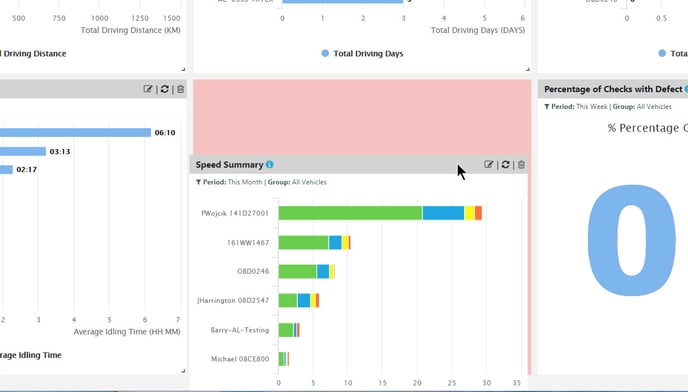
To move a metric, click anywhere on it and drag and drop it into its new position.
Resizing metrics
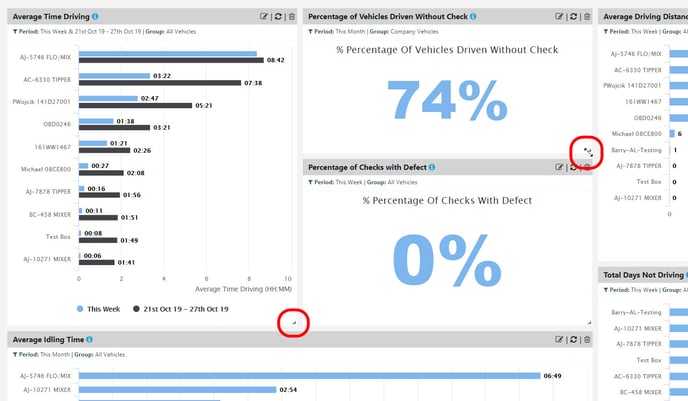
To resize a metric, place the cursor over the bottom right corner until the cursor changes to a double-headed arrow.
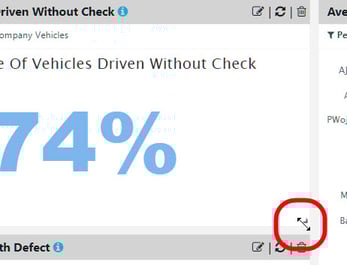
Left-click the mouse and move the cursor in any direction to resize the metric.