![White Logo with transparent background.png]](https://www.transpoco.com/hs-fs/hubfs/White%20Logo%20with%20transparent%20background.png?height=40&name=White%20Logo%20with%20transparent%20background.png)
Are you experiencing any of these issues?
- Customers complaining vehicles are not onsite long enough?
- Providing evidence that your vehicles were onsite for billing?
- Late starts / early finishing?
- Speeding infringements?
- Vehicles leaving Locations?
Did you know you can solve all these issues with our Locations feature?
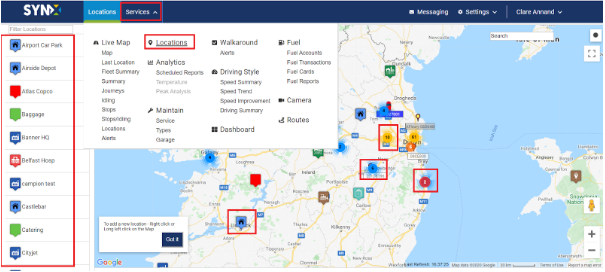
With the right click on the map, you can easily create a new geofence location.
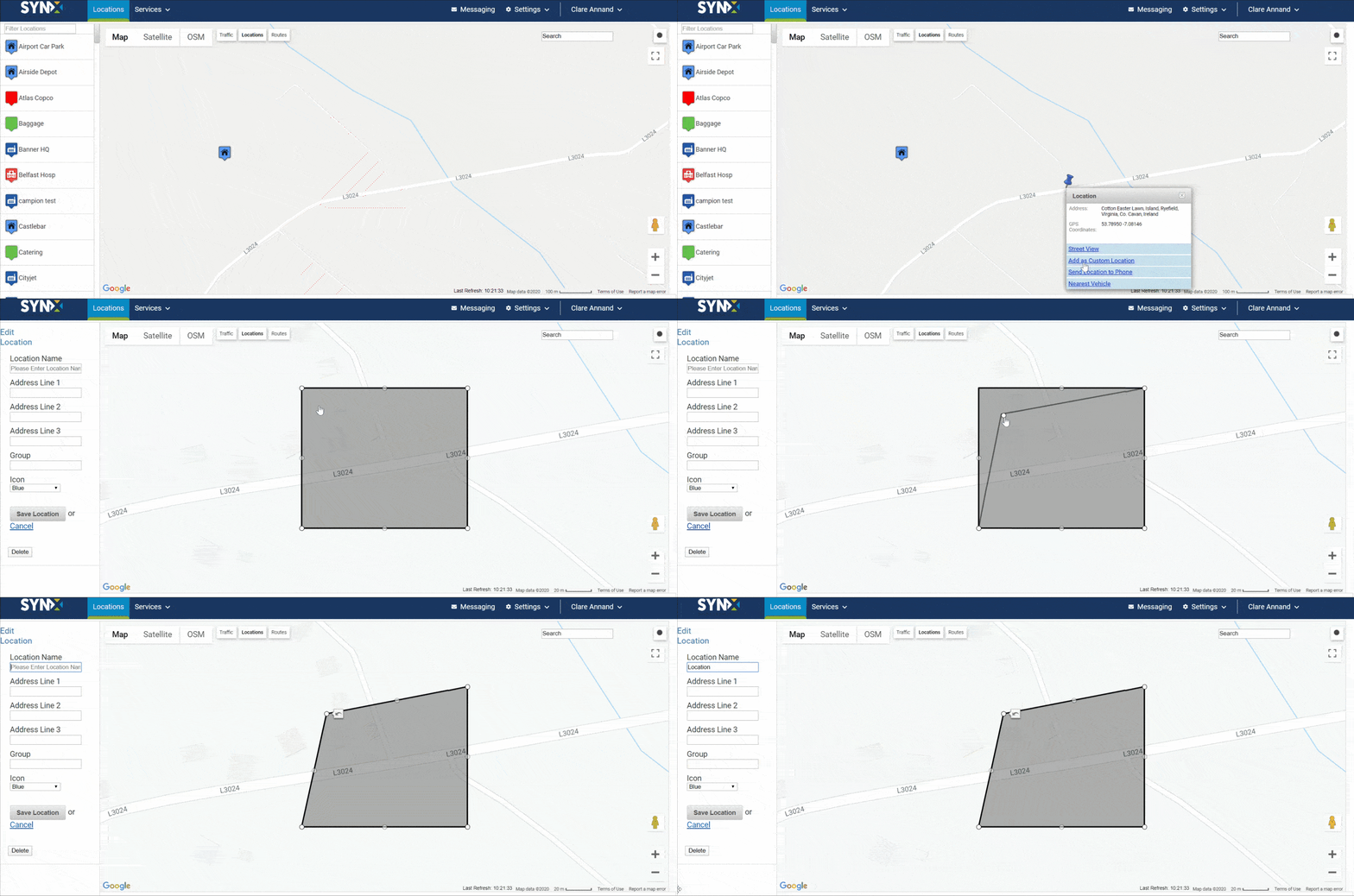
When locations are created in the system, you can easily setup alerts to notify you when vehicles enter/exit locations.
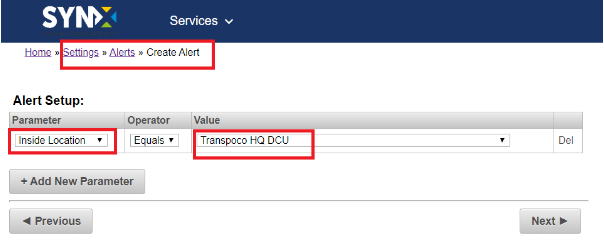
You can also check the Locations Report to view a history of all activities inside a selected location.
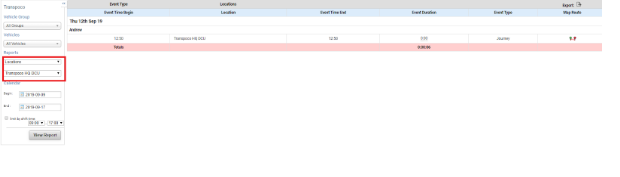
In addition, the locations will be tagged in your Journeys Report when a driver crosses a saved location.

If you have any questions about it please let us know.
You can also check more details on these articles from our Knowledge Base:
How do I add a location or geofence?
How do I create a Locations report?
What is the Locations database?
Hope you enjoy it!