![White Logo with transparent background.png]](https://www.transpoco.com/hs-fs/hubfs/White%20Logo%20with%20transparent%20background.png?height=40&name=White%20Logo%20with%20transparent%20background.png)
The app allows you to send a message to our technical support team, and for system messages to be sent to you.
Tap on the three horizontal lines at the top left of the screen to access the drop-down menu.
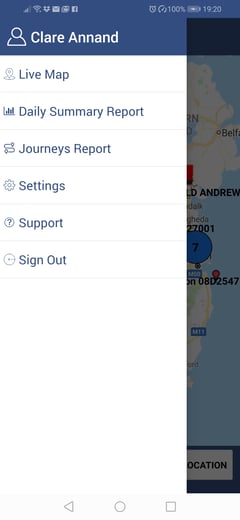
Select Support.
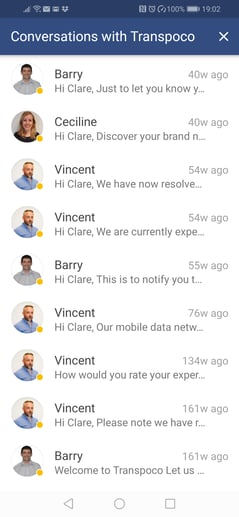
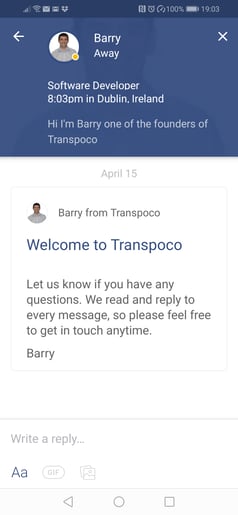
Select a message thread to reply to and type your message. You can add a gif and a photo from your smartphone if required.
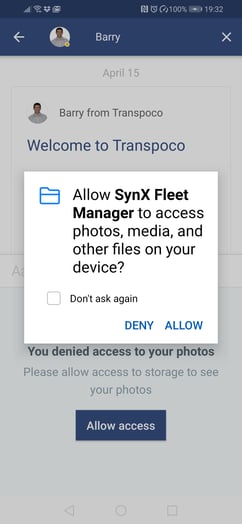
To add a photo for the first time, tap on Allow when the app asks for permission to access.
Tap the blue arrow to send your message.
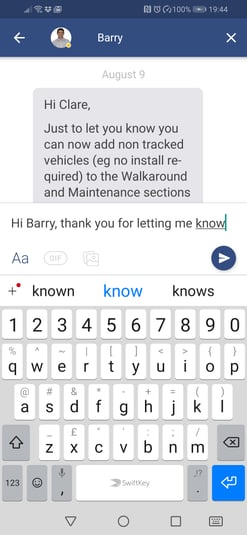
Tap the arrow at the top left of the screen to exit the message.
Tap the X at the top right of the screen to exit the support feature.