![White Logo with transparent background.png]](https://www.transpoco.com/hs-fs/hubfs/White%20Logo%20with%20transparent%20background.png?height=40&name=White%20Logo%20with%20transparent%20background.png)
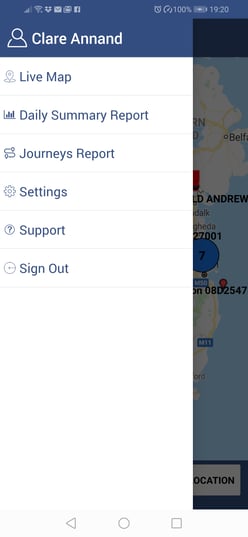
Tap on the three horizontal lines at the top left of the screen to access the drop-down menu.
Select Settings.
Tap on Language.
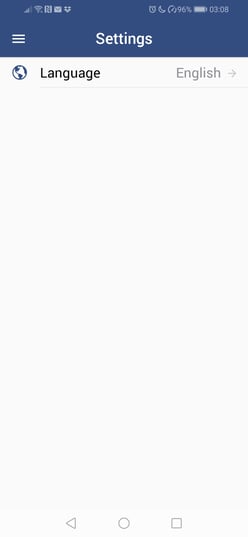
Select the required language from the pop-up languages list.
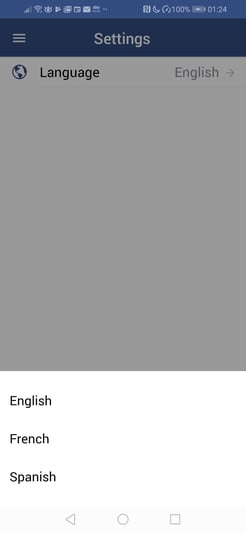
Tap on the three horizontal lines at the top left of the screen to return to the menu.