![White Logo with transparent background.png]](https://www.transpoco.com/hs-fs/hubfs/White%20Logo%20with%20transparent%20background.png?height=40&name=White%20Logo%20with%20transparent%20background.png)
Click on the cluster icon in the top right of the map as shown below.
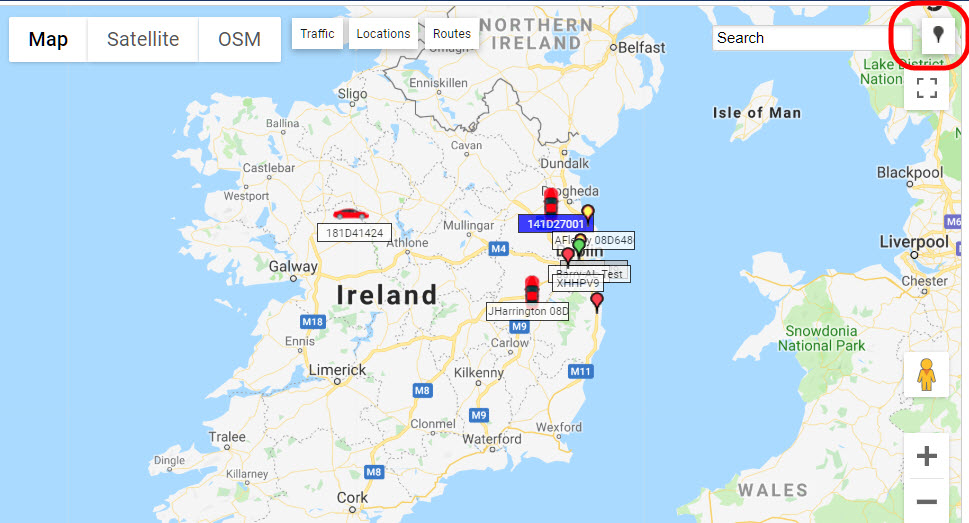
The vehicles will cluster and the icon shows the number of vehicles in that area. The cluster icon changes from a pin to a circle.
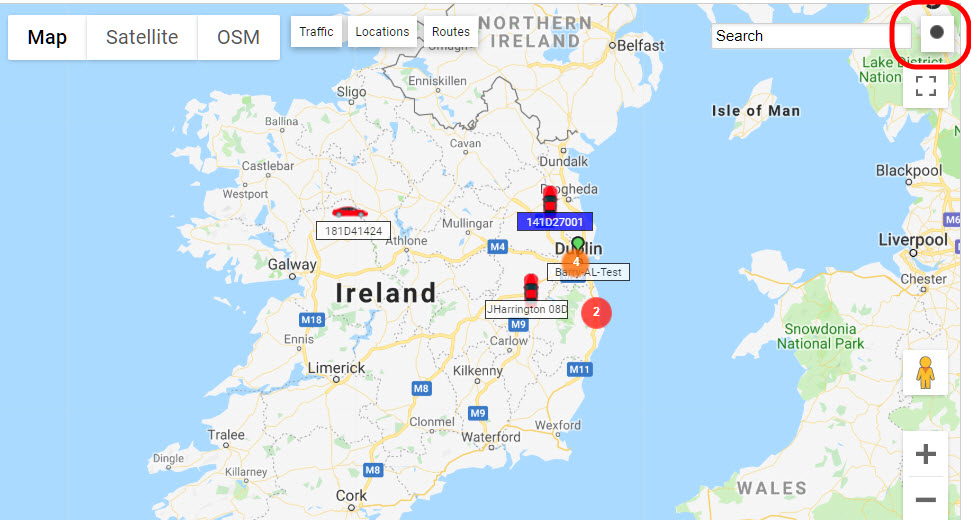
Progressively zoom into the map to ungroup the vehicles and eventually show them separately in large scale.
Click the cluster icon again if you wish to turn off clustering.