![White Logo with transparent background.png]](https://www.transpoco.com/hs-fs/hubfs/White%20Logo%20with%20transparent%20background.png?height=40&name=White%20Logo%20with%20transparent%20background.png)
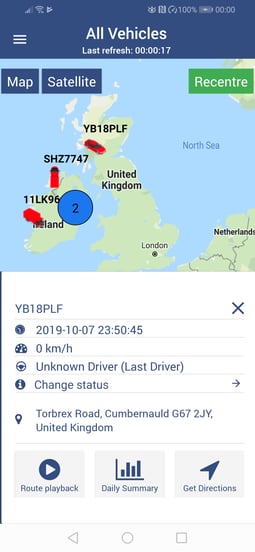
Tap on the required vehicle on the live map.
Tap on Get Directions to see the fastest route from the user’s location to the vehicle.
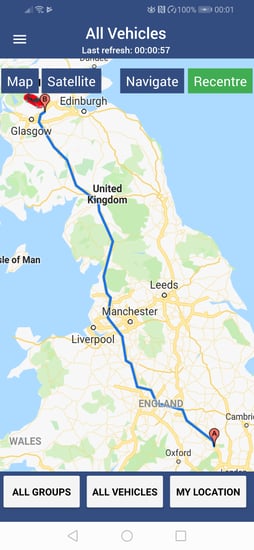
To get directions to the vehicle in Google Maps, tap on the Navigate button.
Tap on the required vehicle on the live map.
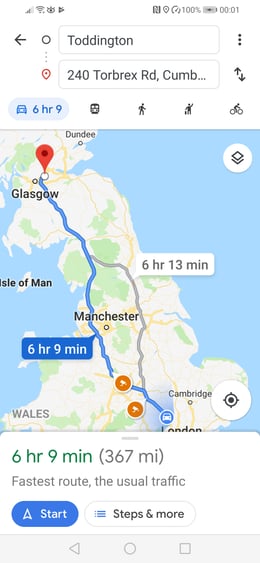
Tap on Get Directions to see the fastest route from the user’s location to the vehicle.
To get directions to the vehicle in Google Maps, tap on the Navigate button.