![White Logo with transparent background.png]](https://www.transpoco.com/hs-fs/hubfs/White%20Logo%20with%20transparent%20background.png?height=40&name=White%20Logo%20with%20transparent%20background.png)
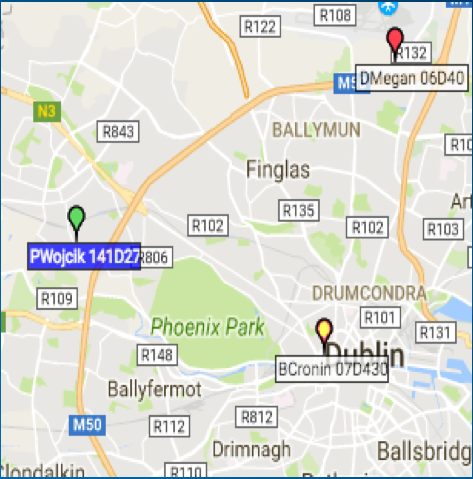
Colored pins or vehicles indicate what your vehicle's real-time status is.
Green indicates a vehicle is ON
Red indicates a vehicle is OFF
Yellow indicates a vehicle is disconnected from the system and is no longer tracking.
If disconnected, check that the vehicle does not have a dead battery or a master switch engaged. If not, please reach out to support for a repair.
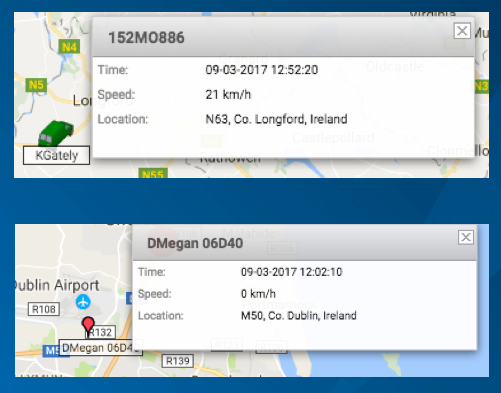
You can get more detailed information on vehicles in real-time by hovering over the vehicle on the map.
It will show you the registration, speed, location, driver (where applicable) and the last time vehicle sent data.
Vehicles in Green ON status will send data at least once a minute
Vehicles in Red OFF status will send data at least once an hour
Vehicles in Yellow DISCONNECTED status will show the last time the vehicle sent data