![White Logo with transparent background.png]](https://www.transpoco.com/hs-fs/hubfs/White%20Logo%20with%20transparent%20background.png?height=40&name=White%20Logo%20with%20transparent%20background.png)
To order more trackers click the Settings menu > Orders & Billing > Add New Vehicles
-2.png?width=688&height=277&name=image%20(41)-2.png)
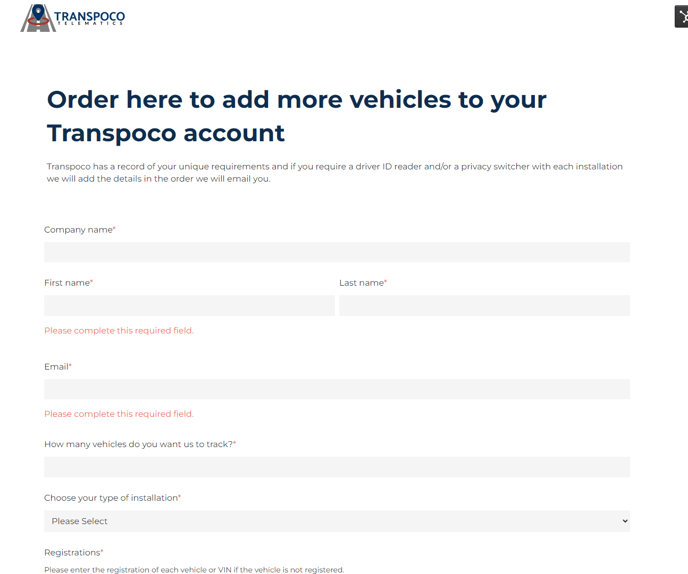
You will be directed to the order form below (see the example below).
After you submit this order, you will be sent a quote by email for the requested number of vehicles. After the quote has been accepted, our operations team will arrange for an engineer to come out and install.