![White Logo with transparent background.png]](https://www.transpoco.com/hs-fs/hubfs/White%20Logo%20with%20transparent%20background.png?height=40&name=White%20Logo%20with%20transparent%20background.png)
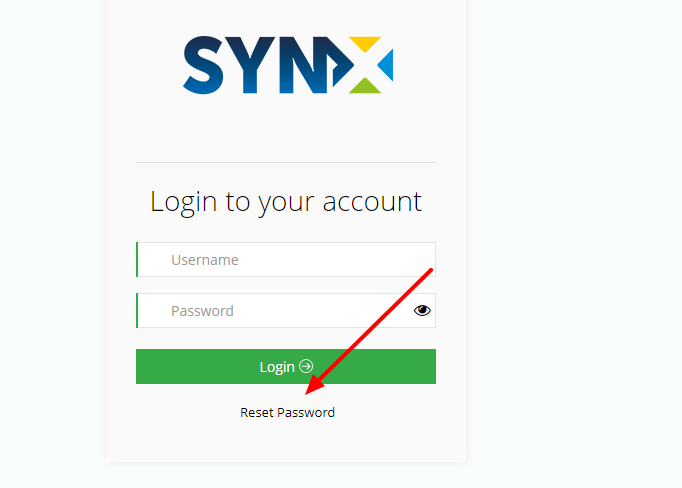
- Navigate to move.transpoco.net
- Click the “Reset Password” link just below the “Login” button.
You can also change the password for yourself or another user:
- Navigate to Settings > Users > Edit
- Simply update the password fields and save by clicking “Update User” on the bottom left of the page.