![White Logo with transparent background.png]](https://www.transpoco.com/hs-fs/hubfs/White%20Logo%20with%20transparent%20background.png?height=40&name=White%20Logo%20with%20transparent%20background.png)
- Log on to your Transpoco account.
- Click on the Services > Maintain.
- Then click on “+ Service”.
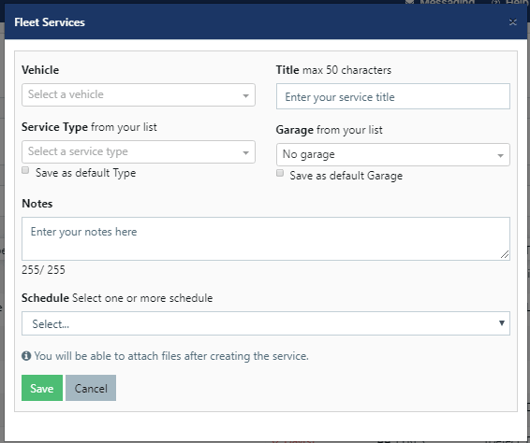
- Then you need to choose a vehicle.
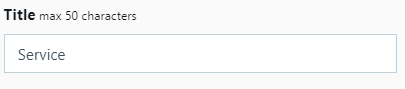
- Then add a title to this service
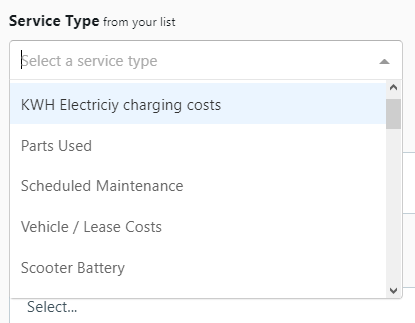
- Then you could select the service type based on the alert
- You could also add notes to non complete services.

- Then choose “Travel Time” as the Schedule option.
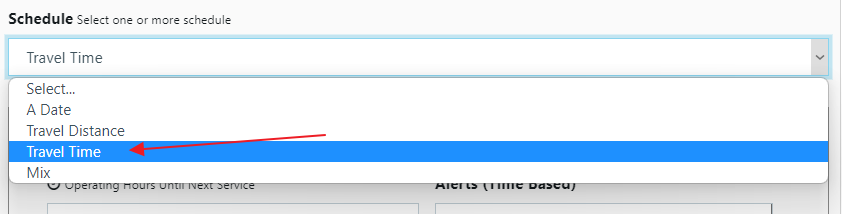
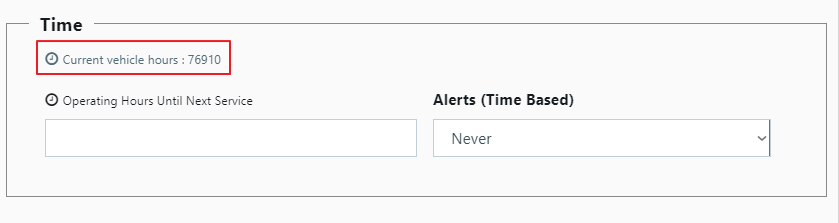
- You will see the current vehicle hours driven. You will then add the number of hours until next service.


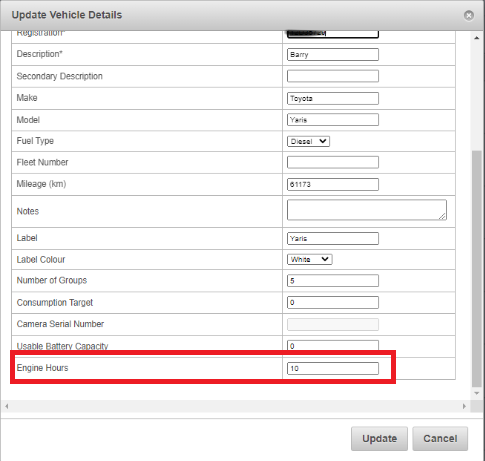
Note: If needed you can manually update the Engine Hours from the vehicles' list by editing a vehicle and adding the number of Engine Hours as below
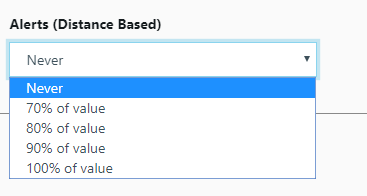
Note: Once the time reaches the percentage of the value you have set in the alert, it will be triggered.
11. Once you are ready, click on the save button.