![White Logo with transparent background.png]](https://www.transpoco.com/hs-fs/hubfs/White%20Logo%20with%20transparent%20background.png?height=40&name=White%20Logo%20with%20transparent%20background.png)
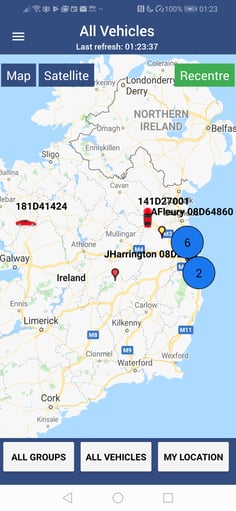
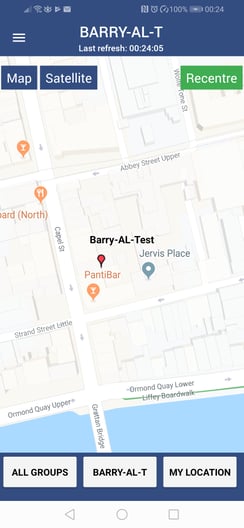
From the home page, tap on All Groups to select a vehicle group from the list.
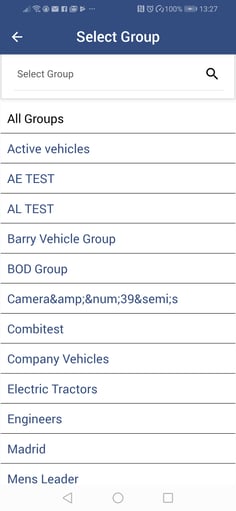
To return to the main screen without making a selection, tap the arrow at the top of the screen.
From the home page, tap on All Vehicles to select one vehicle from the list.
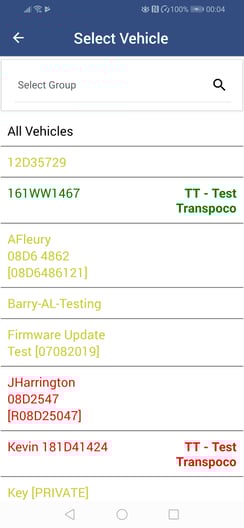
To return to the main screen without making a selection, tap the arrow at the top of the screen.
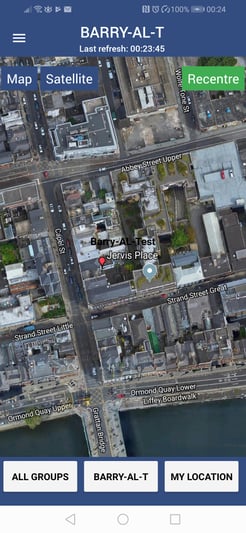
If required, tap on Satellite to change the map view.