![White Logo with transparent background.png]](https://www.transpoco.com/hs-fs/hubfs/White%20Logo%20with%20transparent%20background.png?height=40&name=White%20Logo%20with%20transparent%20background.png)
The search function allows you to search for one user or many, depending on the search criteria entered, which could be name, username, email domain/address or profile.
Click on your name in the top right of the screen and select ‘Settings’ from the drop-down menu.
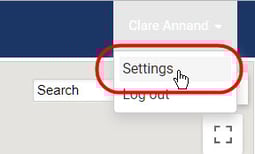
The settings menu will open.
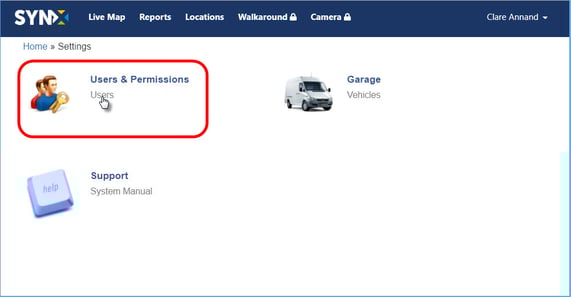
Click on Users and the list of all users in your organisation will open.
Enter criteria into the search box.
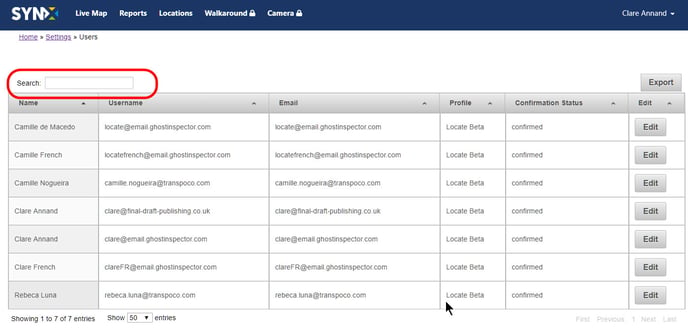
As soon as you start typing, the list of users will be filtered to match the search criteria, e.g. ‘c’ will filter to every user that has a ‘c’ somewhere in their profile details, and so on. The following shows the filter list for ‘clare’.
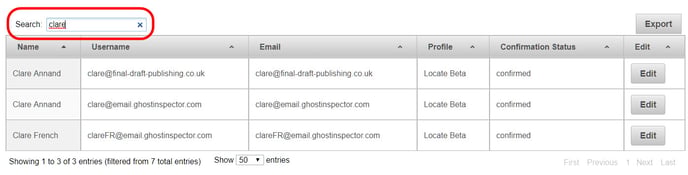
Click the X in the search box to return to the full list of users.