![White Logo with transparent background.png]](https://www.transpoco.com/hs-fs/hubfs/White%20Logo%20with%20transparent%20background.png?height=40&name=White%20Logo%20with%20transparent%20background.png)
Search for specific questions/answers
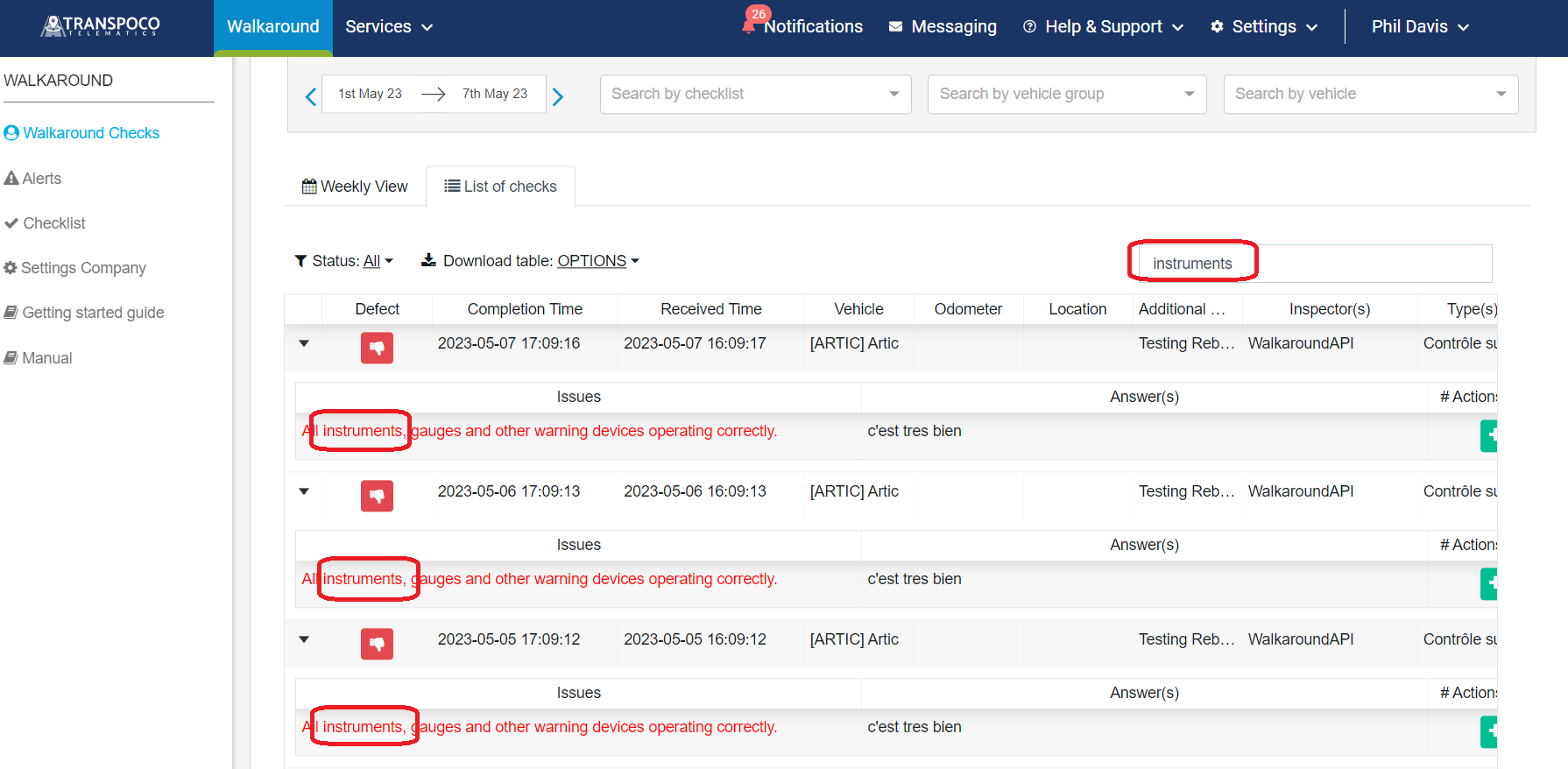
By typing in the search box, the system will look for the word(s) in the list of checks done, e.g. instruments. Note: The results will filter as you type.
Export the results
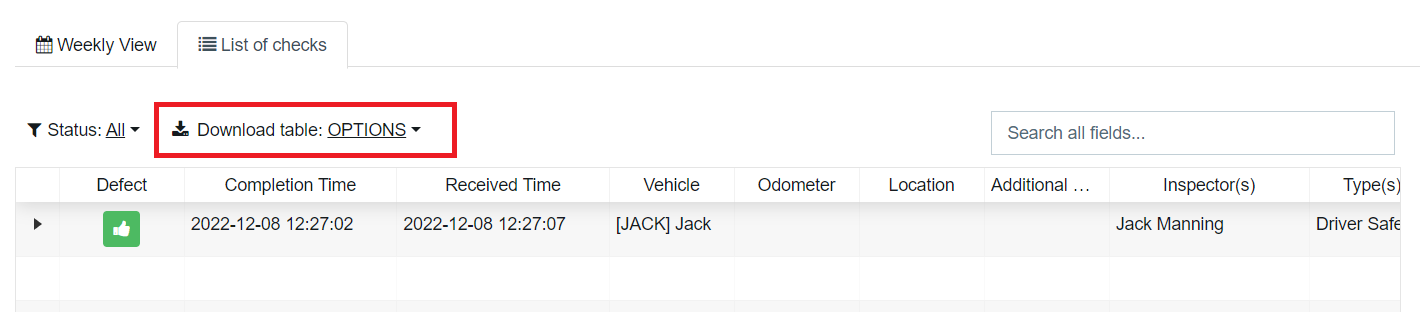
Export the reports with the filtered results or with no filter in CSV / Excel files, by clicking on the "Download Table" options.

Note: If in CSV format, each checklist will be exported into a different file. This is the reason your dowload will be ziped.
If in Excel format, different checklists will be exported into different tabs.