![White Logo with transparent background.png]](https://www.transpoco.com/hs-fs/hubfs/White%20Logo%20with%20transparent%20background.png?height=40&name=White%20Logo%20with%20transparent%20background.png)
NOTE: The instructions are the same for both Walkaround and Driven Without Check alerts; for this article, the latter has been used.
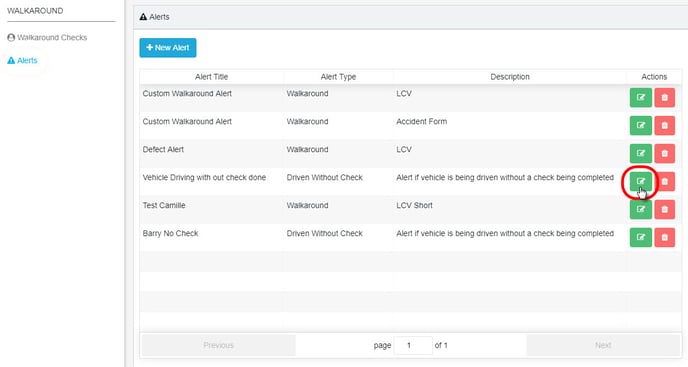
Click on the green edit icon on the relevant row in the list of alerts.
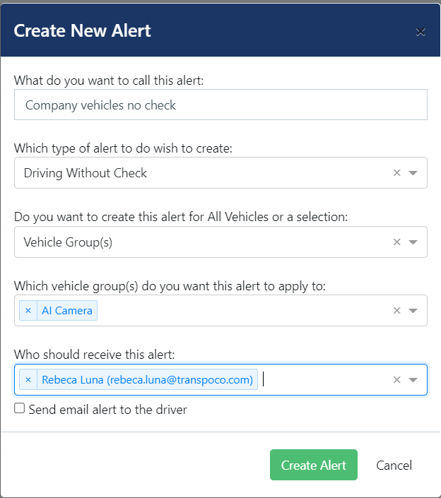
Make the required changes, e.g. add/remove a vehicle group, or add/remove recipients.
Click on Update Alert.
When the alert has been successfully updated, the system will show a green confirmation message in the bottom left corner of the screen.
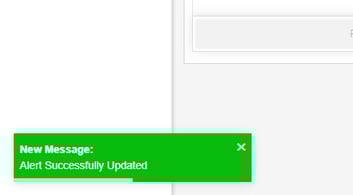
The message will fade after a few seconds, or click the x to close it immediately.