![White Logo with transparent background.png]](https://www.transpoco.com/hs-fs/hubfs/White%20Logo%20with%20transparent%20background.png?height=40&name=White%20Logo%20with%20transparent%20background.png)
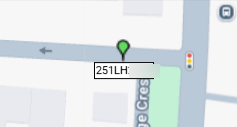
The default icon to represent a vehicle on the Live Map is the pin icon.
You can customise the icon in the Vehicles section. Go to Naivgation menu > Visibility > Setup > Vehicles
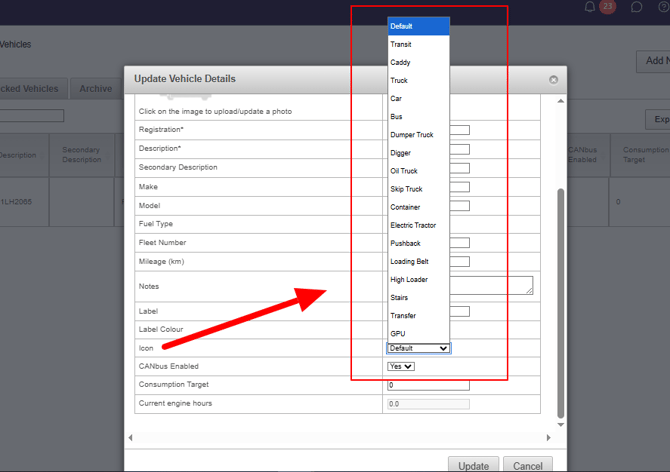
In the vehicles section go to the last column 'Edit' and select edit for the relevant vehicle. The window below will appear. Go to the Icon field and open the list of available icons.
After you make a change click 'Update'.