![White Logo with transparent background.png]](https://www.transpoco.com/hs-fs/hubfs/White%20Logo%20with%20transparent%20background.png?height=40&name=White%20Logo%20with%20transparent%20background.png)
In the configuration of a checklist you can set a minimum time between check to prevent the driving from performing the checks too quickly.
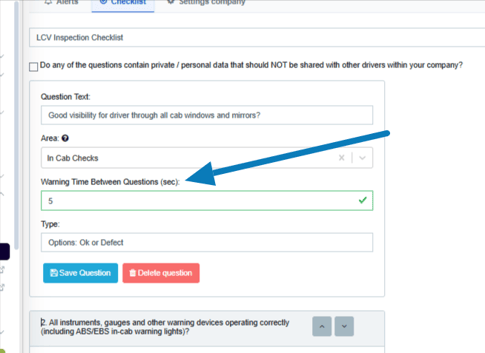
The minimum time can be set in the configuration of each check in the checklist builder. The default is set at 5 seconds but you can increase or decrease this time.
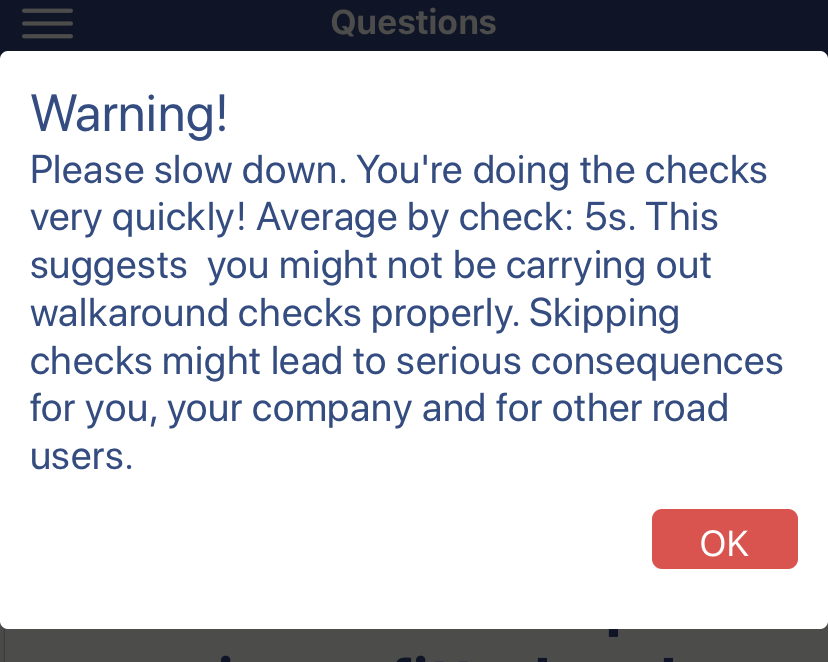
If the driver answers a check before the minimum time, the app will display a warning message to encourage the driver too slow down.
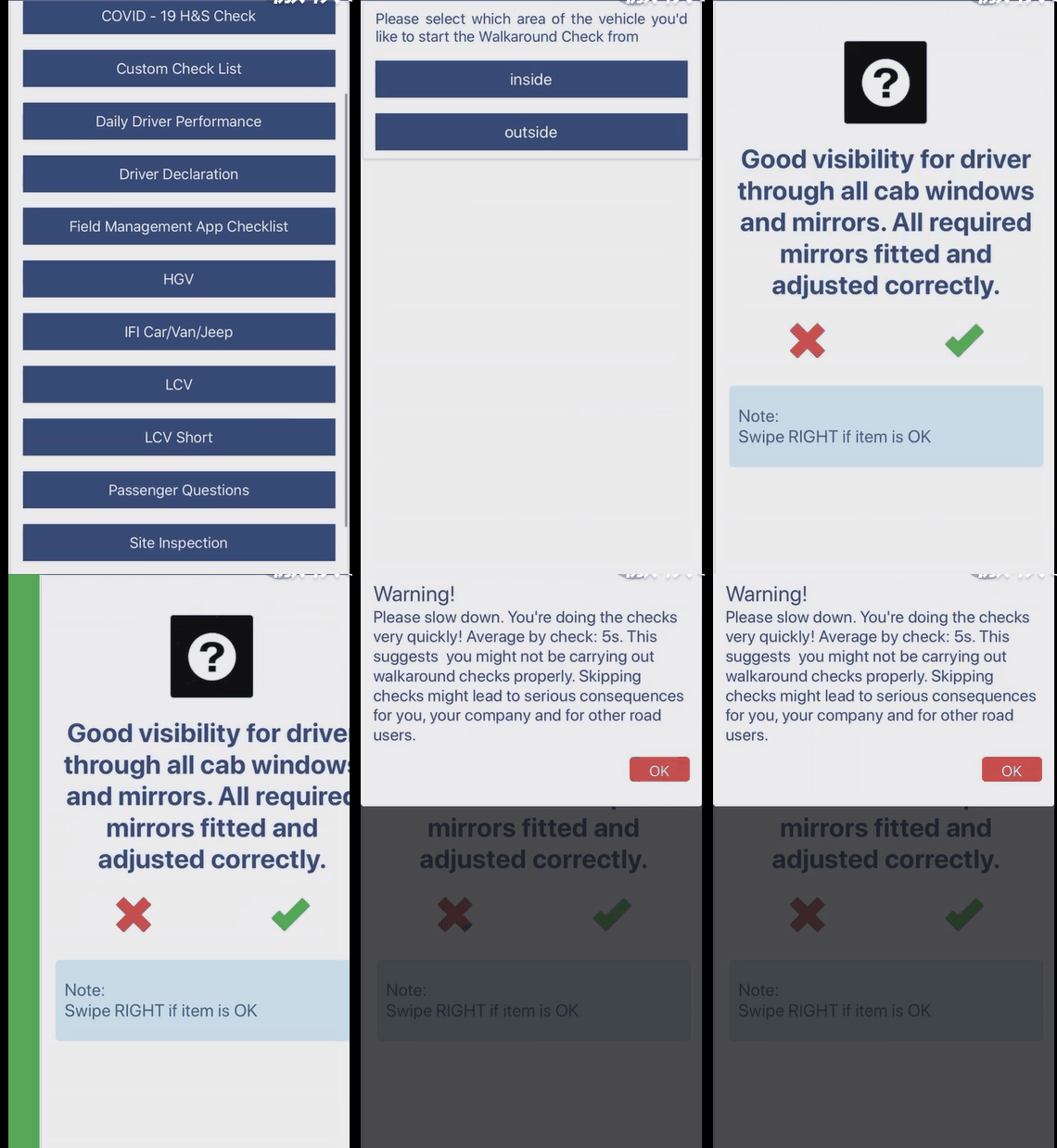
The GIF below shows the warning message being triggered: