![White Logo with transparent background.png]](https://www.transpoco.com/hs-fs/hubfs/White%20Logo%20with%20transparent%20background.png?height=40&name=White%20Logo%20with%20transparent%20background.png)
Refresh Dashboard
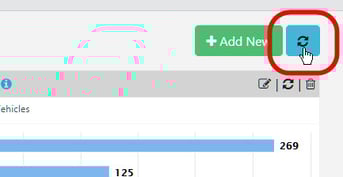
To refresh all the metrics at once (whole page), click on the blue refresh icon.
Refresh a metric
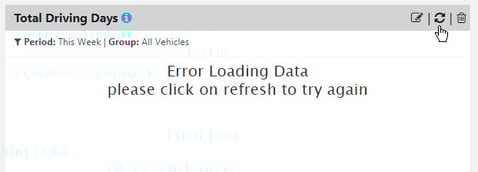
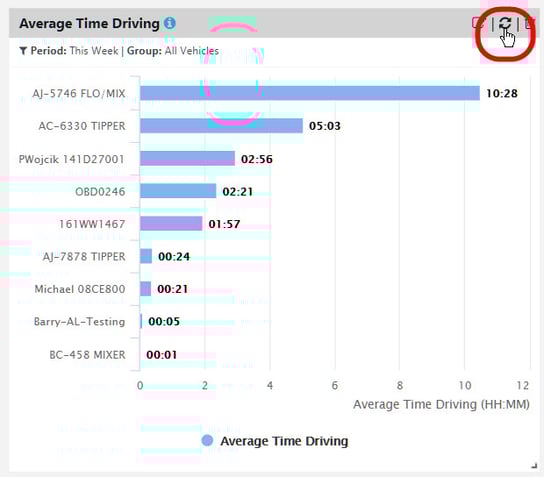
To refresh a metric to update the data, click on the refresh icon on the header.
Note: Occasionally the metric may need to be updated due to an error.